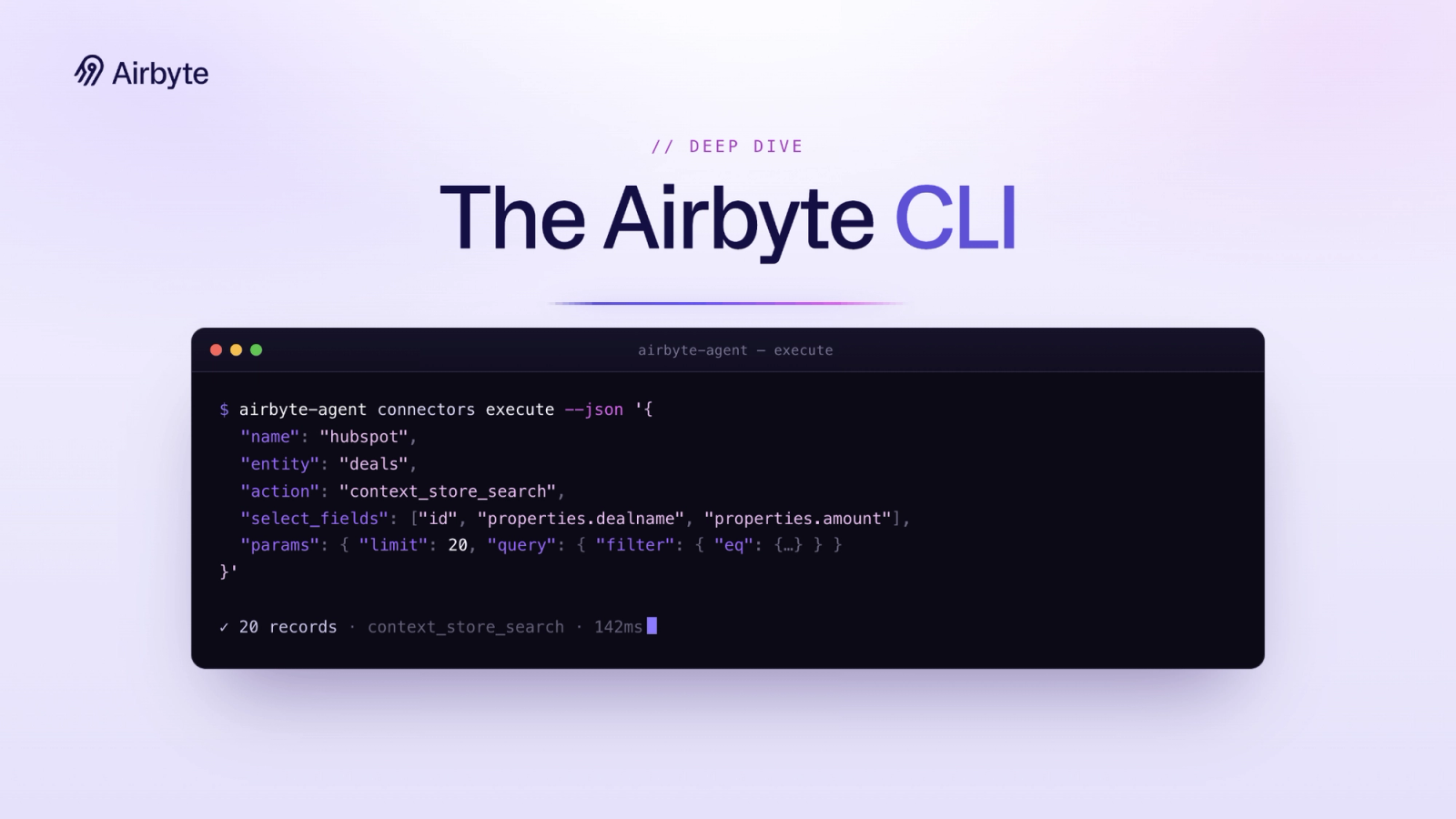
We recently built airbyte-agent, a CLI that sits on top of the Airbyte Agents platform. The platform already handles the hard parts: authentication, schema discovery, and the Context Store that agents read from. The CLI is the interface an agent uses to drive all of it from the command line: list the available connectors, describe a connector's schema, and execute an action against a live API.
I wanted to write up a detailed breakdown of our vision for the CLI and how it works. Let’s start with our four key design principles.
Principles The Airbyte platform is the source of truth for functionality. The CLI is intended to be a thin, unified interface into the Airbyte system, not a re-implementation of it. Agent first, but also human readable. We don’t expect a lot of humans to be running commands, especially executing connectors, which require more complex inputs that should be generated by agents. Packaged skills. This is absolutely necessary for agent use, and required to get any meaningful results from Airbyte. Sensible defaults when necessary. The less configuration an agent needs to know and pass in, the more effective it will be. Design Syntax We use a uniform command grammar, with operations (verbs like list and describe) scoped to their specific resources (nouns like connectors). For example, to run operations for a connector:
airbyte-agent connectors list
airbyte-agent connectors create
airbyte-agent connectors execute --name salesforce --action context_store_search --entity accountsNamed Params for Humans, JSON for Agents Each command supports named arguments, as well as JSON formatted arguments using the --json flag. Agents tend to prefer JSON, and it maps well to API responses from the Airbyte platform, which, based on our design principles, is always our source of truth for data. JSON tends to work better for complex queries and execute calls as well: passing in large search payloads containing filters, limits, and fields is complex to type and generally better to live in a payload object. We consider the primary use case to be --json arguments, with the option for humans to pass named arguments if needed . Here’s an example context store search request, generated when I asked an agent to find me Hubspot deals in the closed_won stage:
airbyte-agent connectors execute
"name" : "hubspot" ,
"entity" : "deals" ,
"action" : "context_store_search" ,
"select_fields" : ["id" , "properties.dealname" , "properties.amount" , "properties.closedate" , "properties.dealstage" , "properties.hubspot_owner_id" , "properties.hs_is_closed_won" ],
"params" : {
"limit" : 20 ,
"query" : {
"filter" : {"eq" : {"properties.hs_is_closed_won" : true }},
"sort" : [{"properties_closedate" : "desc" }]
}
}
}' Declarative Commands Commands are data you declare, not code that you write. Every piece of the surface is a plain Go value per resource/operation pair. Here's the complete definition of one subcommand:
{
Name: "describe" ,
Description: "Describe a connector's schema" ,
Schema: registry.OperationSchema{
Description: "Get connector details and schema description" ,
Params: map[string]registry.ParamSchema{
"name": {Type: "string" , Description: "Connector name (requires workspace)" },
"workspace": {Type: "string" , Description: "Workspace name (defaults to 'default')" },
"id": {Type: "string" , Description: "Connector ID (alternative to name)" },
},
},
SpecRef: registry.SpecRef{Path : "/api/v1/integrations/connectors/{id}" , Method: "GET" },
Run: connectorsDescribe,
Hooks: registry.OperationHooks{PreRun: resolveConnectorID},
}That struct is the entire contract. Startup is three steps: load config and credentials, RegisterAll() to populate a registry, then Build() to walk every registered resource and fold it into the Cobra command tree, after which Cobra parses argv and dispatches to the matching Run.
Airbyte Platform as The Source of Truth We support a schema command for callers to describe the request and response schema of the Airbyte Agents API. Maintaining this in the CLI project would result in drift and duplication of effort, so instead we rely on the Airbyte Agents platform’s OpenAPI spec as the single source of truth, and everything the CLI knows about the API's shape is generated from it.
The spec lives in the repo under api/app_public.json, kept current by routine "sync OpenAPI spec from the platform" PRs. From there a build-time generator (run using go generate) walks every relevant SpecRef, resolves the spec's $refs into self-contained subtrees, and emits a static Go map of only the routes the CLI actually uses. At runtime, airbyte-agent schema is a single hash lookup against that map.
A CI check makes this reliable. Every pull request regenerates the schema and fails if the committed output budged:
- name: Verify generated schema is up to date
run: |
go generate ./...
if ! git diff --exit-code internal/spec/extracted_gen.go; then
echo "::error::extracted_gen.go is stale. Run 'go generate ./...' and commit."
exit 1
fi Drift is now a build error: when the platform's contract changes, the CLI's understanding of it changes in lockstep, or main will fail to build.
Skills We ship with a directory of packaged skills intended to be installed by the user for use with agents. The skills give agents the conventions and direction to use the CLI effectively, for example: always send --json, run connectors describe before the first execute, select fields on every read. Skills live in the repo at skills/airbyte-agent/, but are deliberately not compiled into the binary, so any agent harness can consume it on its own terms.
We use a single umbrella skill rather than a pile of per-command ones. A small SKILL.md carries the cross-command rules and a routing table, and the per-command playbooks live under references/<command>.md and open only when the agent reaches that command. The result is progressive disclosure straight from the Agent Skills spec .
There are multiple ways to install skills:
curl -fsSL https://airbyte.ai/install.sh | bash
npx skills add airbytehq/airbyte-agent-cli
cp -r skills/airbyte-agent ~/.claude/skills/Lessons Learned Generate everything that we can. Part of the advantage of using go is the ability to easily run go generate and have up to date clients, as well as machine readable schemas always available for agents. Keep the surface and the dependency list small. The CLI is only another entrypoint into the Airbyte Agent Platform, not a re-implementation. Context window budgeting: allow for field selection and direct agents to do so in the skills. This keeps response sizes minimal and allows agents to read only what is requested. The tool needs to describe itself. Dropping an agent into an environment with no context is going to result in wasted calls and tokens and thinking time. Directing the agent to describe and read schemas before running commands optimizes for this. Configuration must be flexible to the environment. Agents may run in sandboxes and require env vars to configure. Humans may want a configuration file. Settings should be passed to the CLI in whatever way is convenient for the intended user or agent. Wrapping up The pattern underneath all of this is restraint. The CLI knows as little as it can get away with. It doesn't hardcode the API's shape, doesn't reimplement platform logic, and doesn't ship a schema that can fall out of sync.
Airbyte Agents is the source of truth, and the CLI stays a thin interface over it.
That restraint is also why it's easy for an agent to use. There's no hidden state to reverse-engineer and no stale documentation to send it down the wrong path.
The CLI is open source . If you want to try it, install the CLI and its skills in one step:
curl -fsSL https://airbyte.ai/install.sh | bashThen give your agent a real task, and tell us how it fares. Excited to see what everyone builds!