How Do You Plan an On-Premise to Cloud Migration for Data Teams?
A step-by-step guide to on-premise to cloud migration for data teams: inventory, CDC sequencing, validation gates, cutover, rollback, and post-migration SLOs.
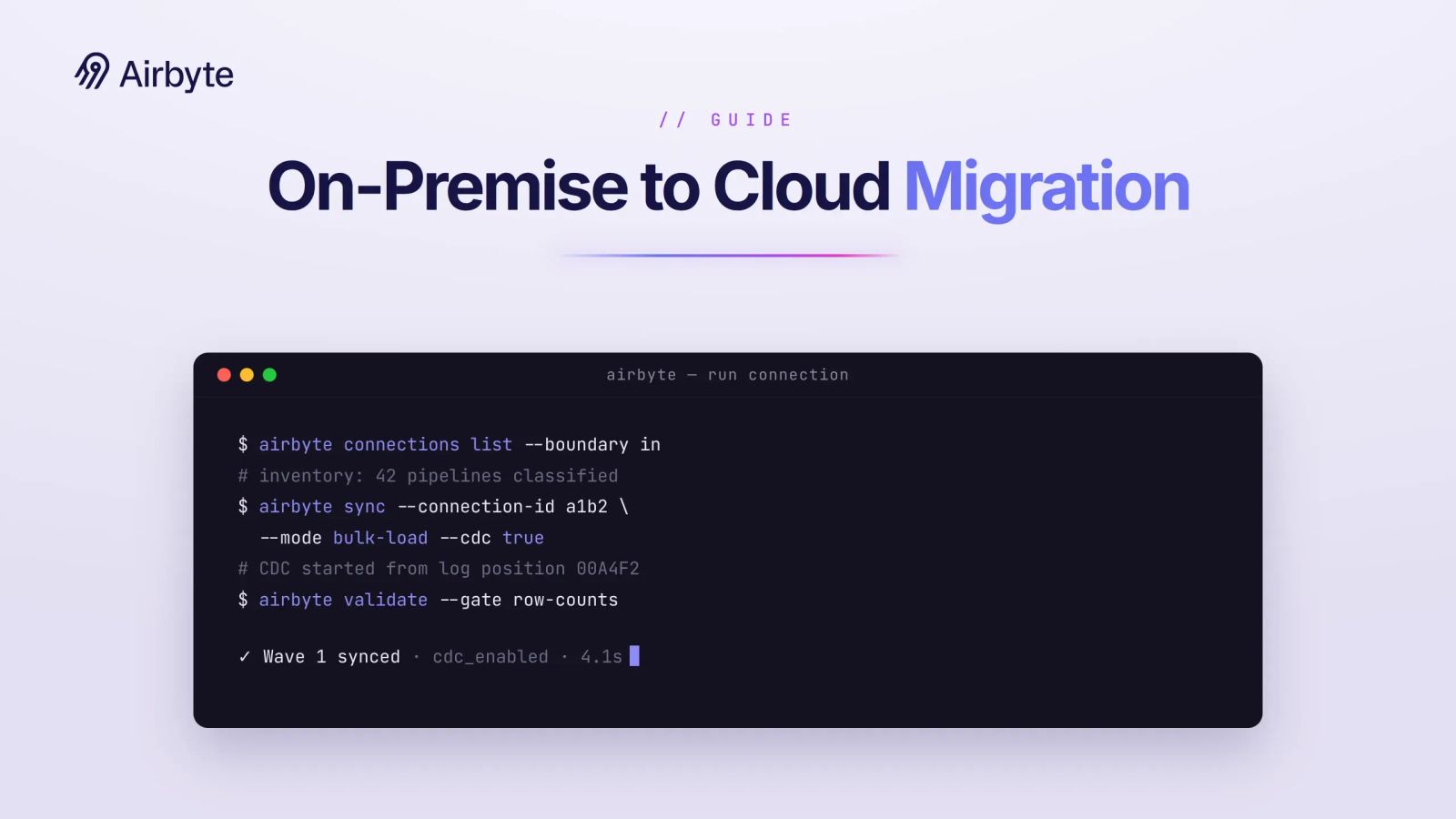
A successful on-premise to cloud migration for data teams requires table-level proof that the target closely matches the source to support billing and regulatory reporting. It also requires decisions about which pipelines must remain within your boundary. Migration success therefore depends on evidence and boundary control. You need a defensible record of what moved, what stayed, who approved each decision, and whether the resulting system behaves like the one it replaces. Most risk sits in the parallel run and the cutover window itself. The reconciliation gates you write in week one decide whether that window closes cleanly.
TL;DR
- Run the bulk historical load and start Change Data Capture (CDC) for deltas as soon as it begins; large tables with active writes should not move in one shot.
- Numeric reconciliation gates block cutover: exact row counts and any unexplained key-checksum or aggregate drift open an investigation and pause the wave.
- Boundary classification decides what can move: pipelines tagged must-stay-in-boundary keep CDC capture, credentials, and compute inside your environment through cutover and after.
- Cut over inside the shortest practical read-only window, with reverse replication from target to source tested before the window opens.
How Do You Inventory Sources, Pipelines, and Dependencies?
Every pipeline in the estate gets one record before anything moves, and that record set will grow once you start reading query logs instead of wiki pages. The inventory is also where you decide, per pipeline stage, what can leave the boundary. A structured assessment should build an inventory and catalog dependencies before migration begins. Our list of open source data migration tools helps with the tooling decision.
For every ETL job, capture the schedule, upstream and downstream dependencies, and Service-Level Agreement (SLA). Also record the owner, credential and service identity, processing complexity, and boundary class. Assign each pipeline a boundary class of must stay in-boundary, may move de-identified, or may move, for pipelines that span the boundary, record where each stage runs and keep restricted stages in-boundary. List service identity dependencies in the credential column, and re-verify shared service principals before you repoint consumers. Include the service accounts your existing data integration tools use, since they often hold the broadest read access in the estate.
The boundary class records a compliance requirement. A 2024 data center operator survey found data security (60%) and regulatory and compliance (44%) were the top two reasons operators keep mission-critical workloads out of public cloud. Keep backend data subject to regulatory restrictions on-premises, and use compliant de-identification where appropriate.
Record where each stage runs, including CDC capture, so a regulated capture step cannot drift into the cloud later because a connector default changed. Contracts and deployment controls should also record data location, encryption key management, and exit requirements.
Plan for the inventory to be wrong on day one, too. Pull query logs, scheduler run history, and service-account authentication events from the source. Treat any table with a reader you cannot name as a dependency you have not inventoried yet; those readers become either a wave item or a documented reason the wave is retained.
How Do You Plan Migration Waves and Ownership?
Each wave gets a recorded outcome of retain, hybrid, or migrate. Assign a pipeline owner, validator, compliance approver, and rollback decision-maker to each wave. That migration RACI (Responsible, Accountable, Consulted, Informed) is separate from your standing governance roles. The rollback decision-maker in particular must be one person who can revert reads without calling a meeting.
Order waves by blast radius. Dashboards and reports go first because a wrong number there is visible and reversible; data-processing jobs go last because everything downstream depends on them. Establish parallel processing environments before validation and backfills, then cut over only after both remain stable.
Size each wave against your ETL cost model before committing parallel-run infrastructure. Completing a wave can mean retaining it. A migration plan should allow workload placement to end in a hybrid state, including pipelines that remain outside the cloud, so the wave table needs a retain row.
How Do You Sequence CDC, Backfills, Schemas, and Data Processing?
Schemas move first, the bulk historical load second, CDC runs alongside from the moment the bulk load starts, and data-processing jobs move last. Get the order wrong, and you either have a target with nowhere to put the deltas or a processing layer running against data that is still changing underneath it.
Translate types before you translate rows. BigQuery uses STRING where Oracle and Redshift use VARCHAR, and carries nested data in REPEATED arrays and RECORD objects; Snowflake holds semi-structured data in OBJECT, VARIANT, and ARRAY. Write a reconciliation rule now for every column that changes type. A checksum over the source type and one over the target type will disagree later for reasons unrelated to lost rows.
Throughput dominates the bulk load, so stage the data and run loads in parallel where the deployment permits. Processing jobs wait until the bulk load and CDC are stable, because reconciliation gates compare processing output. Move them earlier, and you cannot tell whether a mismatch came from the data or from the rewritten logic.
Treat the bulk load as the first CDC event within the same migration sequence. Record the source log position or snapshot point before the extract begins, capture changes from that position while the load runs, then apply the accumulated delta once the load completes. Design against schema mismatches, sequence drift, missed foreign key constraints, and the assumption that the bulk load will never need to be repeated. A re-run bulk load against active writes can reintroduce every race you just resolved.
Volume and write activity decide the pattern. For small, stable tables, a snapshot with a short freeze can work. For large tables with active writes, bulk loading plus CDC keeps the write freeze inside a window you can defend to the business.
How Do You Validate Data Before Cutover?
Matching row counts alone does not qualify a table for cutover. Production validation also needs key-field checksums, aggregate measures, referential integrity checks, business-rule tests, and downstream output comparisons. Official BigQuery migration guidance describes validation from table-level to row-level. These gates extend the hybrid integration testing you already run, with migration-specific thresholds.
Set those thresholds before the parallel run begins. Reconcile record counts, key-field checksums, and business aggregates on every sync cycle. Run each source-target comparison against the same recorded snapshot point or source log position so active writes do not appear as drift. For columns with changed types, apply the reconciliation rule defined during schema translation before calculating checksums so repeated comparisons use the same normalization.
Any unexplained drift opens an investigation. Drift beyond the organization's approved tolerance pauses migration until the migration team identifies and resolves the root cause. Past cutover, define the same tolerance as a rollback trigger instead of improvising a new standard during an incident.
Parallel-run duration should follow exit criteria. Avoid setting a generic calendar target. Keep each dataset in parallel until its ticket queue is empty and all gates have remained green for the agreed validation window. Larger estates may need longer because failures and dependencies take longer to investigate.
Five gates run on every sync cycle during the parallel run; the sixth sets how long the run must stay green. The table below shows the evidence and exit criterion for each one.
Every gate must remain green for the agreed validation window before you authorize cutover.
How Do You Execute Cutover and Rollback?
Cutover uses the shortest practical read-only window. A built and tested rollback path must be ready before cutover begins. Official migration guidance treats the rollback plan as a discrete part of migration planning. Give rollback mechanisms such as parallel-run environments, point-in-time recovery tools, and automated verification scripts their own budget line. Built that way, a revert requires only a read repoint.
Keep the source read-only while reverse replication is active. If rollback reverts reads to the source, stop the reverse path before source writes resume. The source then becomes authoritative again, and the stopped reverse path prevents a replication loop.
Re-verify the boundary before you repoint any Business Intelligence (BI) tool, application, or downstream pipeline. Compare the credentials, service identities, and compute placement recorded in the inventory with what the target pipeline actually uses. If the inventory classifies a regulated CDC capture stage as must-stay-in-boundary, keep that stage there after the swap. If a connector default moved it, the swap cannot proceed until the team corrects the placement.
Limit the read-only period to the time required to repoint consumers and complete the agreed observation period. The runbook below assigns one owner and one gate to each step so nobody improvises inside the window.
Step 8 follows the agreed legacy retention policy: the old system stays readable through the validation period, which gives the completeness SLO something to reconcile against.
How Do You Establish Post-Cutover Service-Level Objectives (SLOs)?
Freshness, completeness, and availability SLOs go to on-call with the platform. Each SLO needs a named handoff owner who accepts the pager. Freshness is CDC lag on the pipelines feeding the target, plus reverse-replication lag while the rollback path stays open. Completeness keeps the reconciliation gates running against the retained read-only source through the retention period, so slow drift surfaces before the source is gone. Availability measures query success and latency against the inventory's SLAs for the repointed BI tools and applications.
Monitor closely throughout the post-migration retention period. Send SLO dashboard data to the existing logging system and link each metric to the corresponding pipeline lineage.
How Does Airbyte Flex Support In-Boundary Migration?
Airbyte Flex is a hybrid deployment model: Airbyte operates the hybrid control plane while you keep the data plane, so CDC capture, credentials, and compute stay in-boundary for retained and hybrid waves.
That split maps onto three parts of the migration plan above:
- Connector coverage. The 700+ connectors run on both sides of the boundary, so may-move and must-stay pipelines can use the same connector as long as it supports the applicable source and destination paths.
- Reverse waves. For a reverse wave, verify those source and destination paths before cutover so the rollback path uses a supported connector, not a workaround.
- Portability. The connectors are open source, inspectable, and forkable, which supports portability if a boundary requirement changes after migration.
Airbyte syncs 1.5M+ pipelines and 26 billion records daily. Eighteen percent of the Fortune 500 use Airbyte, and a Total Economic Impact study reported 239% return on investment (ROI).
Where Should You Start?
Start with the pipeline inventory, boundary classifications, validation thresholds, and rollback ownership before you size a bulk load. The reconciliation gates and runbook roles above are what turn a cutover window from a guess into a decision you can defend afterward.
Airbyte runs the hybrid control plane for Airbyte Flex, so Role-Based Access Control (RBAC), audit logging, and the same 700+ replication connectors carry over after cutover, using credentials and compute that remain in your boundary.
Get a demo to see how Airbyte Flex replicates data in-boundary through cutover and rollback.
Frequently Asked Questions
How Do You Migrate Scheduler Dependencies Like Control-M or Autosys?
Recreate job chains, calendars, and cross-system triggers in the cloud orchestrator before the wave cuts over, and run both schedulers in parallel so a missed trigger fails a gate. Each scheduler dependency is a row in the inventory with its own owner.
Should You Use Dual-Write Instead of CDC During Migration?
Dual-write puts the burden in application code: every service that writes to the source must also write to the target and handle failure on either side. It can support gradual read migration, but only if every writer participates. CDC leaves applications unchanged and captures writes from the database log instead, which is why bulk load plus CDC wins when you do not own every writer. Choose a CDC tool that records the starting log position for the bulk load so both phases line up.
What Does a Cloud Warehouse Migration Cost Beyond Compute?
Egress pricing varies by provider, region, destination, and committed usage. Parallel-run infrastructure, external labor, and assessment tooling belong in the same year-one bucket. Model egress at plus or minus 20% before you commit to a bulk load path.
Can a Lift-and-Shift Be the End State for a Data Warehouse?
Treat lift-and-shift as a time-boxed first phase followed by re-architecture. Do not make it the permanent end state. If you lift and shift, record the start date of the second phase in the wave plan.

Integrate with 700+ apps using Airbyte
Move data from 700+ sources into warehouses, lakes, and beyond. Set up pipelines in minutes with pre-built connectors and the Connector Builder.