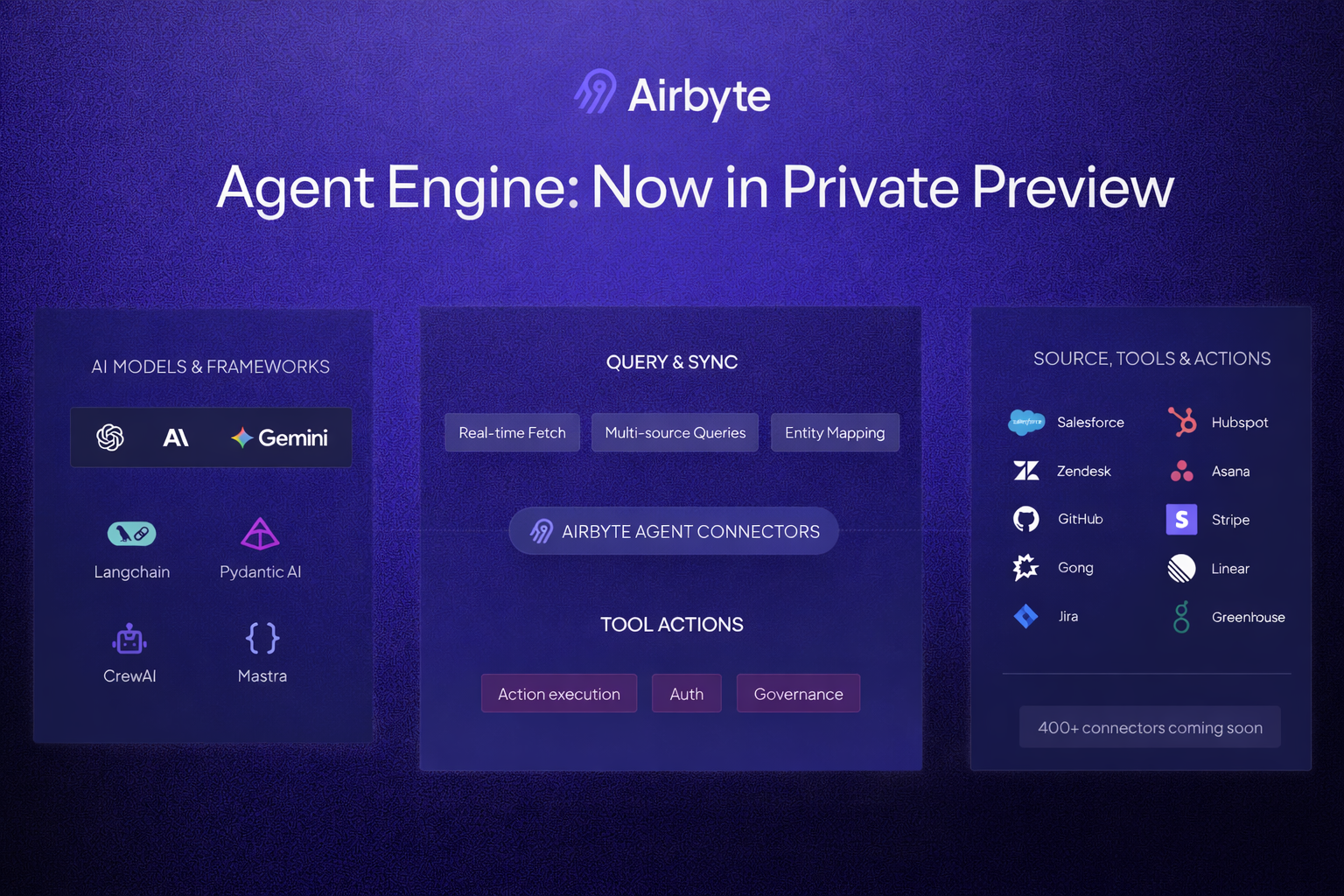
Every agent you develop eventually needs to talk to the outside world. Your customer support agent needs access to Zendesk tickets . Your sales copilot needs to identify open Salesforce opportunities . Your engineering assistant needs to create GitHub issues. If you are building agents, before you know it, you're managing OAuth flows, rate limits, dozens of tools to read and write to external APIs, which amounts to building up a mini “agent context platform” to improve response accuracy while minimizing latency.
Building production agentic applications today that require reading from outside data means re-solving the same problems for each data source. You need OAuth, requiring apps for each vendor, managing scopes and token lifecycles. You need to translate natural language intents into the right API calls. You need to handle pagination, rate limits, and error states gracefully. The moment you leave a demo, it’s no longer sufficient to use off-the-shelf MCP servers, as these will overwhelm your agent’s context window, leak PII, and be hard to enrich with information you seek to include in the agent’s response to the end user.
The result: most teams either limit their agents to a handful of sources, or spend more time on integration plumbing than on the agent logic that actually matters. What should be a solved problem (calling an API) becomes a recurring tax on every feature you ship.
Introducing Airbyte Agent Engine Last month, we announced agent connectors , open source Python connectors purpose-built to give AI agents consistent, real-time access to operational data for context-rich decision making.
The Airbyte Agent Engine builds on these to give your agents a unified interface to external data sources. Our platform includes a fully-managed authentication module supporting OAuth, hosted agent connectors, and the Entity Cache. This ensures that your agent only requests data from external systems when absolutely necessary, optimizing processes for compute and latency. We're launching with 15+ agent connectors today, including HubSpot, Salesforce, Gong, Linear, GitHub, and more, with hundreds more coming fast from Airbyte's native ecosystem of 700+ data connectors .
Connecting your AI agents to core business applications (Salesforce, Slack, HubSpot, etc.) with real-time fetch and write capabilities takes just ~10 lines of code. The following is an example for integrating end user GitHub repositories to your agents:
from airbyte_agent_github import GithubConnector
connector = GithubConnector(
external_user_id="<your_scoped_token>" ,
airbyte_client_id="<your_client_id>" ,
airbyte_client_secret="<your_client_secret>" ,
)
@agent.tool_plain
@GithubConnector.describe
async def github_execute (entity: str , action: str , params: dict | None = None ):
return await connector.execute(entity, action, params or {})The Agent Engine Entity Cache Complex natural language queries requiring searching across lists of records, such as "list all customers closing this month with deal sizes greater than $5000", typically require substantial work: sequences of paginated API calls, and filtering across large datasets. This often results in unbounded context window growth and rate limit issues, both of which lead to perceived downtime and broken trust with customers.
The Entity Cache stores a subset of relevant data from connected sources in Airbyte-managed object storage, enabling your agents to perform efficient search operations without repeatedly querying vendor APIs. The cache helps improve latency of your more complex prompts by allowing your agents to reliably search across records in half a second or less.
When enabled, the Entity Cache automatically populates during initial setup and refreshes hourly. Each connected source gets its own isolated data store with organization-level access control.
Getting Started with the Airbyte Agent Engine Request access to the Agent Enginehere .
Once you have access, the first step to getting started with the Agent Engine is to register a connector with Airbyte to make it available to your agents. You have two options for connecting data sources:
Option 1: Use our authentication module. Our Agent Engine provides an out-of-the-box auth module to ease integrating with and managing credentials from outside systems. The auth module makes it easy to add these integrations to your app without building auth flows from scratch.Option 2: Register credentials directly via API. If you prefer to provide your own integrations page and manage credentials yourself, you can register them with us directly through the API.Once you’ve registered a connector, you can immediately access its data by integrating our libraries into your agent. Rather than exposing dozens of tools per API (one for each endpoint) for integration, we generally recommend starting by implementing a single tool for each connector. Our @Connector.describe decorator helps manage tool sprawl. With it, your agent gets the flexibility to query any entity and action, while your tool count stays manageable.
In a typical github_execute tool, you have full control over the response from the API. This flexibility allows you to:
Manage the response schema to fit your agent's context windowRoll custom error handling for graceful degradationMask PII before it reaches your agentEnrich the response with data from other toolsCode snippets to get started, authenticate, and execute connectors are in our documentation (example for Github ). For a higher level view of how to build an agentic app from scratch using Airbyte, you can follow this quick guide .
Suggested Read
ETL Framework vs ETL Script
Join the Agent Engine private preview.