SQL Server to Snowflake Migration Guide
Learn how to migrate SQL Server to Snowflake: schema conversion, CDC replication, validation, and cutover planning with proven patterns for each phase.
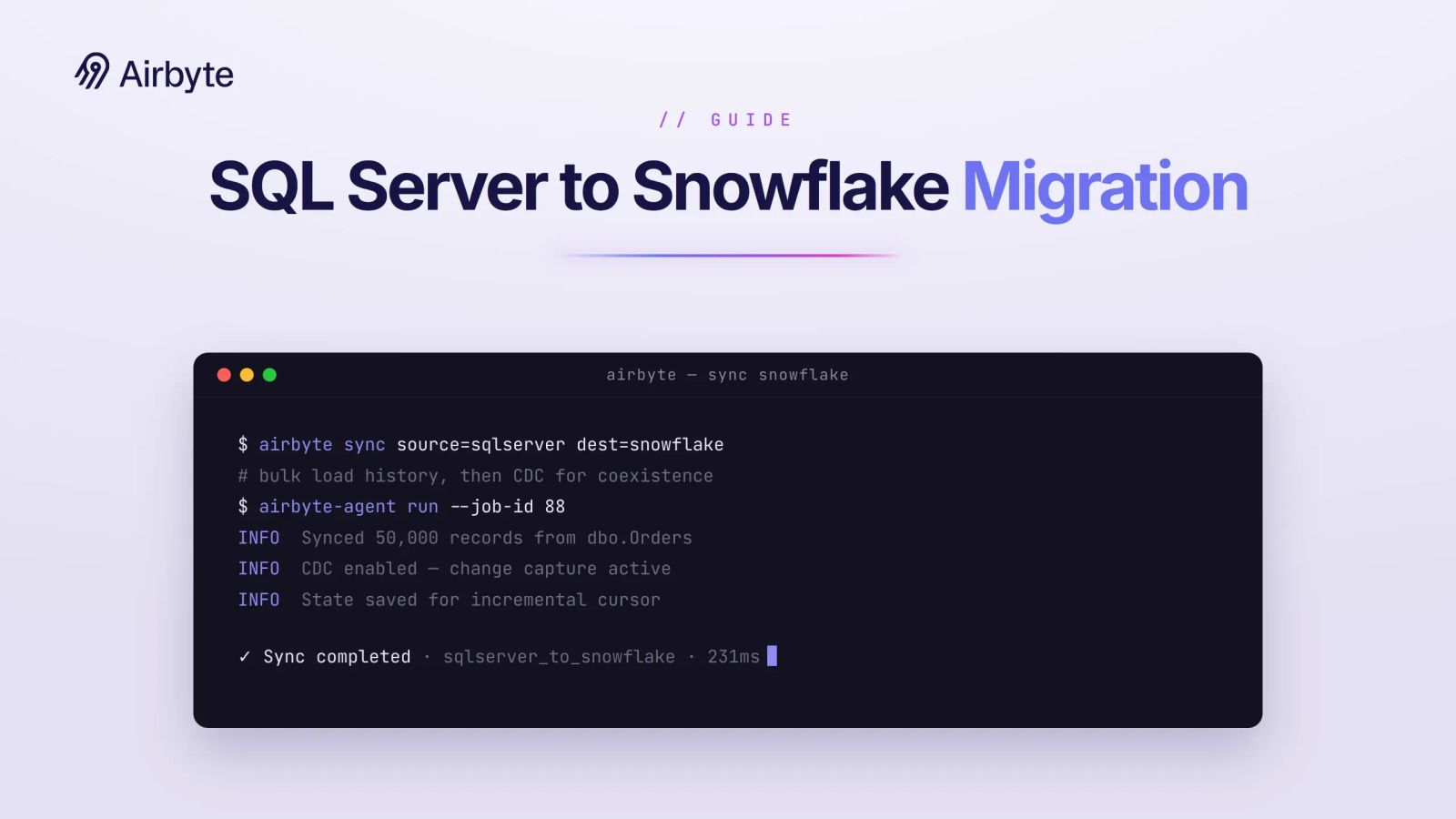
Lift-and-shift is the wrong mental model for a SQL Server to Snowflake migration, because T-SQL that converts without a single error can still return different totals on the new platform. SQL Server enforces primary and foreign keys and compares strings case-insensitively under many common default collations; Snowflake accepts key constraints on standard tables without enforcing them, compares case-sensitively by default, and charges for compute based on usage. The work runs past code conversion into bulk transfer, months of coexistence, and a cutover with written criteria. Expensive failures often raise no error, such as a join the optimizer can silently eliminate.
TL;DR
- SnowConvert AI converts most DDL and DML, but stored procedures need a pattern-based triage before anyone rewrites them.
- Change Tracking keeps Snowflake current; CDC is the choice when auditors or slowly changing dimensions need every intermediate row version.
- RELY constraints, case-sensitive collation, and UDF-to-procedure conversion can return wrong results without raising an error.
- Row counts alone can pass tables with offsetting errors, so validation must reach aggregates and sampled cell-by-cell comparisons.
- Keep the data plane in your boundary when SQL Server sits behind a firewall.
What Does a SQL Server to Snowflake Migration Involve?
A SQL Server to Snowflake migration runs in four phases, starting with an object inventory and continuing through schema and code conversion, data movement with a coexistence period, and validation before cutover. The inventory sizes everything after it, so collect every table, index, stored procedure, trigger, UDF, permission grant, SSIS package, and SQL Server Agent Job before anyone estimates a timeline. Include that inventory in your on-premise cloud migration plan so the warehouse move stays integrated with the migration project.
Retire packages that still run but feed nobody before scoping. Concentrate refactoring effort on objects with live consumers; move other in-scope objects as-is. Before any data leaves the source, run a data residency compliance checkpoint that settles which regions the staging bucket and the Snowflake account may sit in.
How Do You Convert SQL Server Schemas and Data Types?
SnowConvert AI can translate SQL Server DDL, DML, views, and standard functions into Snowflake SQL. Its coverage changes between releases, so check the release notes against your install rather than trusting a version number. Run it against a full DDL export first, then work through the errors, warnings, and issues it writes as SnowConvert EWI markers before you move a single row.
Most key constraints convert into unenforced metadata. On standard Snowflake tables, Snowflake enforces NOT NULL. Primary, unique, and foreign key declarations serve as metadata, and Snowflake does not validate them at write time. An application that relied on SQL Server to reject a duplicate key now has to enforce that itself or let the duplicate land. Declare the constraints anyway: they document the model for anyone reading the schema and leave you the option of adding RELY once you have proven the data is clean.
Evaluate these differences as part of the on-premise versus cloud warehouse design rather than treating them as syntax-only conversion details. The mapping is mechanical; the behavior change in the target column breaks reports.
Settle these mappings, and widen timestamp precision wherever the source needs it, before the conversion run. The stored procedures in the next phase inherit whatever types the DDL lands on, so a mapping fixed late means reconverting code that already passed review.
How Do You Triage T-SQL Stored Procedures and SSIS Packages?
Sort each stored procedure by the T-SQL patterns it contains, because the pattern decides whether it gets retired, auto-converted and reviewed, converted with manual fixes, or rewritten.
Choose the target language before the conversion run. SnowConvert AI documents Snowflake Scripting as the recommended target for stored procedures and treats its JavaScript translation as deprecated. Snowflake Scripting also fits SQL-centric flows: loops and conditionals translate directly, and cursors still need explicit rework. JavaScript procedures return a single value, so they can't return a result set to a caller. Both languages have a recommended maximum source size, so plan to split oversized procedures whichever one you pick.
dbt fits the batch ELT procedures that truncate and reload or merge into a table. Keep procedures whose value depends on transactional error recovery as procedures.
SSIS requires re-architecture. Rebuild existing package logic as ELT because pointing a package at Snowflake does not provide a viable migration path. SnowConvert AI can generate candidate Tasks, procedures, and dbt Core projects from SSIS packages. Use that output to reduce the work required for the packages you keep, and review every generated conversion.
Run SnowConvert AI first, then sort every object by the row it lands in.
Sort the inventory before anyone writes remediation code, because the objects that land in the High rows decide how long the coexistence period in the next phase has to run.
How Do You Move the Data and Keep Both Systems in Sync?
Bulk load the history once, then run change capture into Snowflake until cutover, with SQL Server as the sole system of record throughout.
Bulk Load Options From BCP to CETAS to Direct Cloud Transfer
Snowflake's AIM data migration workflow supports regular transfers through the native driver or ODBC. It can also run regularly with use_bcp = true for faster local CSV export. The cet_as strategy lets SQL Server write Parquet to Azure Blob, while cloud_direct handles cloud-to-cloud transfer. Default to regular, step up to BCP when the driver path is too slow, and use cet_as only when your SQL Server SKU supports CETAS. Snowflake's documentation of SQL Server extraction strategies also notes that NULL DATETIME values can land as 1970-01-01 00:00:00 under BCP extraction, so check nullable timestamp columns after every BCP load.
Floats staged through CSV can lose precision unless you export them as strings and cast on load. Stage the BCP output as multiple files so COPY INTO can load them in parallel, the same batching discipline that applies to large-volume deployments.
Change Tracking Versus CDC for the Coexistence Period
Change Tracking identifies changed rows and records operation metadata, but you query the source table for current row values. CDC reads the transaction log into change tables that preserve before-and-after values. Choose based on whether history matters, as Microsoft's change tracking guidance suggests. Change Tracking is enough when Snowflake only needs to stay current, and CDC is required when auditors or slowly changing dimensions need every intermediate version. Benchmark their impact against your transaction volume, retention settings, and capture cadence.
Write the system-of-record rule down before the parallel run starts. Nothing writes to migrated tables in Snowflake. Late-arriving SQL Server writes flow through the same capture pipeline as everything else. Schema changes land on SQL Server first, and the pipeline's schema evolution propagates them to Snowflake. Apply no manual Snowflake schema edits. Consumers who need a blended view use the pattern for joining on-premise data with cloud tables.
Set the merge cadence with the bill in mind. Treat a Task that runs too frequently as a cost risk. Compute charges accrue when warehouses resume, so a less frequent cadence can support a parallel run for validation. Mask PII in the pipeline before rows land in Snowflake. Views applied afterward leave the raw tables exposed to an auditor.
Connectivity Options Keep the Pipeline Inside the Boundary
When SQL Server sits behind a corporate firewall, the connectivity decision determines where data, credentials, and compute may live for the duration of the migration. Private connectivity availability depends on your Snowflake edition and network configuration, so verify those requirements before selecting Azure Private Link.
If you need to keep the connector process, its credentials, and the compute that reads SQL Server in your environment, choose an in-boundary data plane. Whether you use Azure Private Link or an in-boundary data plane, check the staging bucket's region against your residency requirements before it goes live.
How Do You Validate the Migration and Cut Over?
Validation proceeds in order through three levels. First, use checksums or hash functions on the transferred data files to prove nothing was corrupted in transit. Next, compare row counts and SUM/AVG/MIN/MAX aggregates on both systems. Finally, compare a statistically significant sample cell by cell. Row counts alone pass tables with offsetting errors. Run them as you would for hybrid integration testing: run each level against both systems and write the results to a table keyed by object name.
<pre><code>-- One row per table; run the equivalent query on SQL Server and compare
SELECT 'SALES.ORDERS'   AS table_name,
       COUNT(*)         AS row_count,
       SUM(order_total) AS sum_total,
       MIN(order_date)  AS min_date,
       MAX(order_date)  AS max_date
FROM SALES.ORDERS;</code></pre>
Hash functions differ between the engines, so Snowflake's HASH_AGG output cannot be compared with anything SQL Server computes. For a cross-system hash check, apply the same algorithm, such as MD5, to an identically normalized concatenation of columns on both sides.
Three checks find the bugs that raise no error. First, set RELY on a primary or foreign key only after a query has proven zero duplicates and zero orphans, because the optimizer uses RELY for join elimination. Results can differ from the NORELY case when the data violates the declared constraint. A SQL Server bulk load that ran with constraints disabled can leave exactly those violations in the source.
Second, test every case-insensitive predicate. WHERE status = 'Active' matched 'ACTIVE' under SQL Server's default collation and matches only the exact string in Snowflake. Choose account-level, database-level, or column-level collation before creating tables, because you cannot alter an existing column's collation and SnowConvert AI can leave unsupported collation clauses for review.
Third, audit UDF call sites. If conversion changes a scalar UDF into a stored procedure, an inline expression may need to become a CALL statement wherever the function appeared. Review conversion markers and every affected caller to verify that the generated code preserves invocation semantics.
Classify each discrepancy as a conversion bug, an expected behavioral difference (rounding, NULL handling, collation), or a legacy bug the migration surfaced; only the first blocks cut over.
Write the cutover criteria before the parallel run starts. Go after validation remains green for three consecutive daily cycles and change-capture lag stays under your threshold. Before cutover, confirm that BI workloads point to Snowflake and UAT owners have signed off. Roll back if the first business-day report cycle produces an aggregate-level discrepancy nobody can classify. Then stop change capture, drop the pipeline's SQL Server login, and retire the temporary scoped pipeline credentials issued for the run. During hypercare, keep the SQL Server backup restorable.
How Does Airbyte Flex Support a SQL Server to Snowflake Migration?
Airbyte Flex runs the migration's replication pipeline from inside your network. Airbyte operates the control plane while the data plane, along with your records, credentials, keys, and compute, runs in your environment. However, some metadata such as cursor and primary-key values sits in the control plane. The SQL Server source and Snowflake destination connectors run in that data plane, so the pipeline reads a firewalled SQL Server from inside your boundary, and CDC replication captures changes without locking production tables.
PII masking runs in the pipeline before rows land in Snowflake, with RBAC and organization-level audit logging on supported paid tiers, for events such as connection, permission, and source changes, covering the parallel run. The same 700+ connectors are available across every deployment model, and the open-source foundation lets your team inspect the connector code that reads each row. Airbyte moves 26 billion records daily across customer deployments.
Where Should You Start?
Start by assessing the source, because undocumented business rules and unprofiled data quality set the schedule more than conversion tooling does. A disabled constraint from a decade-old bulk load, a UDF whose callers were never listed, and a status column with three spellings of the same value can turn a short technical job into a long calendar. Sort the procedures, profile the keys, and test the predicates while the code is still on SQL Server.
Airbyte Flex keeps the migration pipeline in your environment, and the same CDC pipeline can remain the steady-state replication path into Snowflake after cutover.
Get a demo to see how Airbyte Flex replicates SQL Server into Snowflake from inside your boundary.
Frequently Asked Questions
What Should Stay in SQL Server?
Keep transactional write paths and frequent point updates in SQL Server. Snowflake micro-partitions are immutable, so Snowflake handles updates and deletes by creating new micro-partitions for the affected data. Frequent small DML operations can increase compute and storage work, so benchmark the workload before moving the application's write path; move analytical reads and batch ELT, then replicate changes into Snowflake.
Should You Replace SQL Server Indexes With Clustering Keys?
Rarely one-for-one. Standard Snowflake tables have no secondary indexes, and micro-partition pruning covers most of what index seeks did, so a clustering key earns its place only on large tables whose filters prune poorly. Automatic Clustering consumes credits as it reclusters, so evaluate candidates with Snowflake's cluster key selection methodology before assigning any.
What Happens to SQL Server Agent Jobs?
SQL Server Agent Jobs become rebuild work: their schedules, dependency chains, failure handling, retry logic, and alerting move to Snowflake Tasks or your existing orchestrator. Inventory which jobs still have live consumers before rebuilding any.
Can You Keep SSRS or SSAS Running Against Snowflake?
Plan SSRS and SSAS as a separate workstream from database conversion, since each report and model has to be repointed or rebuilt against Snowflake and pass UAT on its own. SnowConvert AI can assist with repointing Power BI from .pbit files once you deploy the migrated DDL. Keep existing reporting services available until rebuilt or repointed reports pass UAT on a schedule.

Integrate with 700+ apps using Airbyte
Move data from 700+ sources into warehouses, lakes, and beyond. Set up pipelines in minutes with pre-built connectors and the Connector Builder.